JavaScript numbers are 64-bit floating-point values, but bitwise operators don’t work on floats. Every time you use &, |, ^, ~, <<, >>, or >>>, JavaScript quietly converts each operand to a signed 32-bit integer, performs the operation, and converts the result back to a regular number. Nearly every surprising bitwise result in JavaScript comes from that conversion.
The Seven Operators
| Operator | Name | Example | Result |
|---|---|---|---|
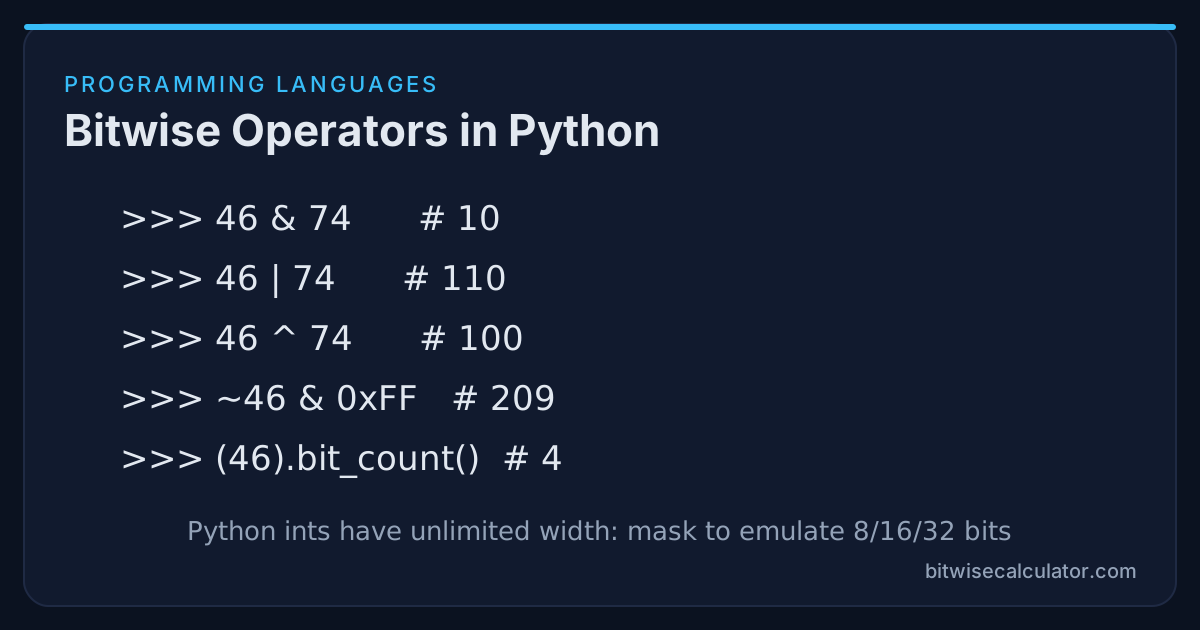
& | AND | 46 & 74 | 10 |
| | OR | 46 | 74 | 110 |
^ | XOR | 46 ^ 74 | 100 |
~ | NOT | ~46 | -47 |
<< | left shift | 46 << 2 | 184 |
>> | sign-propagating right shift | -46 >> 2 | -12 |
>>> | zero-fill right shift | -46 >>> 28 | 15 |
The extra operator compared with C is >>>. It always fills with zeros and always returns an unsigned 32-bit result.
Gotcha 1: Results Above 2^31 Turn Negative
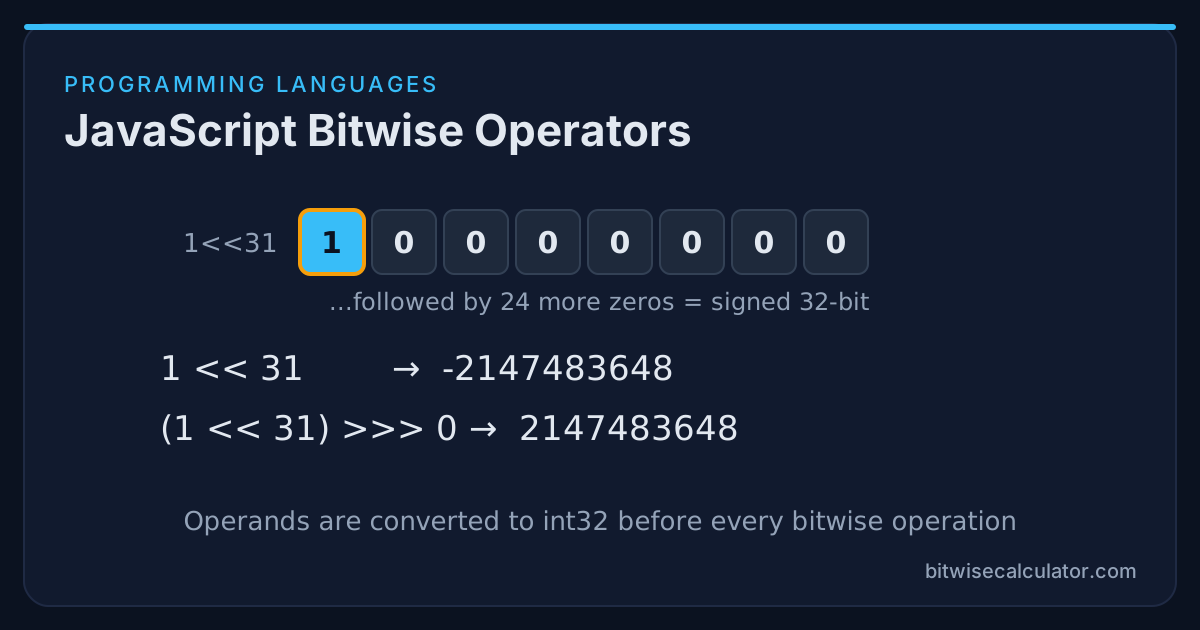
Bit 31 is the sign bit of a signed 32-bit integer, so any result with that bit set comes back negative:
console.log(1 << 31);              // -2147483648
console.log(0xFFFFFFFF | 0);       // -1
console.log(0x80000000 & 0x80000000); // -2147483648
The bits are correct. Only the interpretation is signed. To read the value as unsigned, use a zero-fill shift by zero:
console.log((1 << 31) >>> 0);      // 2147483648
console.log(0xFFFFFFFF >>> 0);     // 4294967295
x >>> 0 is the standard idiom for “treat this as uint32”.
Gotcha 2: High Bits Disappear
Numbers larger than 32 bits are reduced modulo 2^32 before the operation:
console.log(2 ** 32 | 0);          // 0
console.log((2 ** 32 + 5) & 0xFF); // 5
console.log(Date.now() | 0);       // some unrelated negative or positive value
Timestamps, file sizes over 4 GB, and 64-bit IDs from databases all lose information if you run them through bitwise operators. That is the main reason BigInt exists.
Gotcha 3: Shift Counts Wrap at 32
Only the low 5 bits of the shift count are used:
console.log(1 << 32);   // 1   (32 & 31 = 0)
console.log(1 << 33);   // 2
console.log(5 >> 32);   // 5
In C this would be undefined behaviour. In JavaScript it is defined, but it is rarely what you want. Check counts before shifting.
Gotcha 4: Decimals Are Truncated
Conversion to int32 drops the fractional part, which is why these idioms exist:
console.log(7.9 | 0);    // 7
console.log(~~-7.9);     // -7   (truncates toward zero)
console.log(Math.floor(-7.9)); // -8   (not the same for negatives!)
They are fast and compact, but they break for numbers outside the 32-bit range. Prefer Math.trunc() unless you know the range.
Logical vs Arithmetic Right Shift
const n = -16;                 // 0xFFFFFFF0
console.log(n >> 2);           // -4          sign bit copied
console.log(n >>> 2);          // 1073741820  zeros shifted in
Use >> when you want division by a power of two that respects the sign. Use >>> for bit patterns such as hashes, colours, and checksums. The difference is covered in depth in Logical vs Arithmetic Right Shift.
64-Bit Work With BigInt
BigInt values have arbitrary precision, like Python integers, and support every bitwise operator except >>>:
const id = 0x1234_5678_9ABC_DEF0n;
console.log((id >> 32n).toString(16));      // "12345678"
console.log((id & 0xFFFF_FFFFn).toString(16)); // "9abcdef0"

// Wrap to fixed widths with helpers
console.log(BigInt.asUintN(64, -1n));  // 18446744073709551615n
console.log(BigInt.asIntN(8, 236n));   // -20n
You can’t mix BigInt and Number in one expression, so id & 0xFF throws a TypeError. Write id & 0xFFn.
Typed Arrays for Fixed Widths
Typed arrays give you true 8, 16, and 32-bit storage with automatic wrapping:
const u8 = new Uint8Array(1);
u8[0] = 300;
console.log(u8[0]);          // 44   (300 mod 256)

const i8 = new Int8Array([0b11010001]);
console.log(i8[0]);          // -47
They are the right tool when parsing binary files, network packets, or image data, especially together with DataView for controlling byte order. See Endianness Explained.
Practical Patterns
// Flags
const READ = 1 << 0, WRITE = 1 << 1, EXEC = 1 << 2;
let mode = READ | WRITE;
const canWrite = (mode & WRITE) !== 0;

// Colour unpacking
const rgb = 0x1E90FF;
const r = (rgb >>> 16) & 0xFF, g = (rgb >>> 8) & 0xFF, b = rgb & 0xFF;

// Hex string with padding
const hex = (x) => (x >>> 0).toString(16).padStart(8, "0");
hex(-1);   // "ffffffff"
Summary
JavaScript bitwise operators are fast and useful, as long as you remember they work on signed 32-bit integers. Use >>> 0 to read results as unsigned, keep values under 2^31 when you can, check shift counts, and switch to BigInt or typed arrays for anything wider. To check what a 32-bit result should be, set the Bitwise Calculator to 32-bit width and compare.